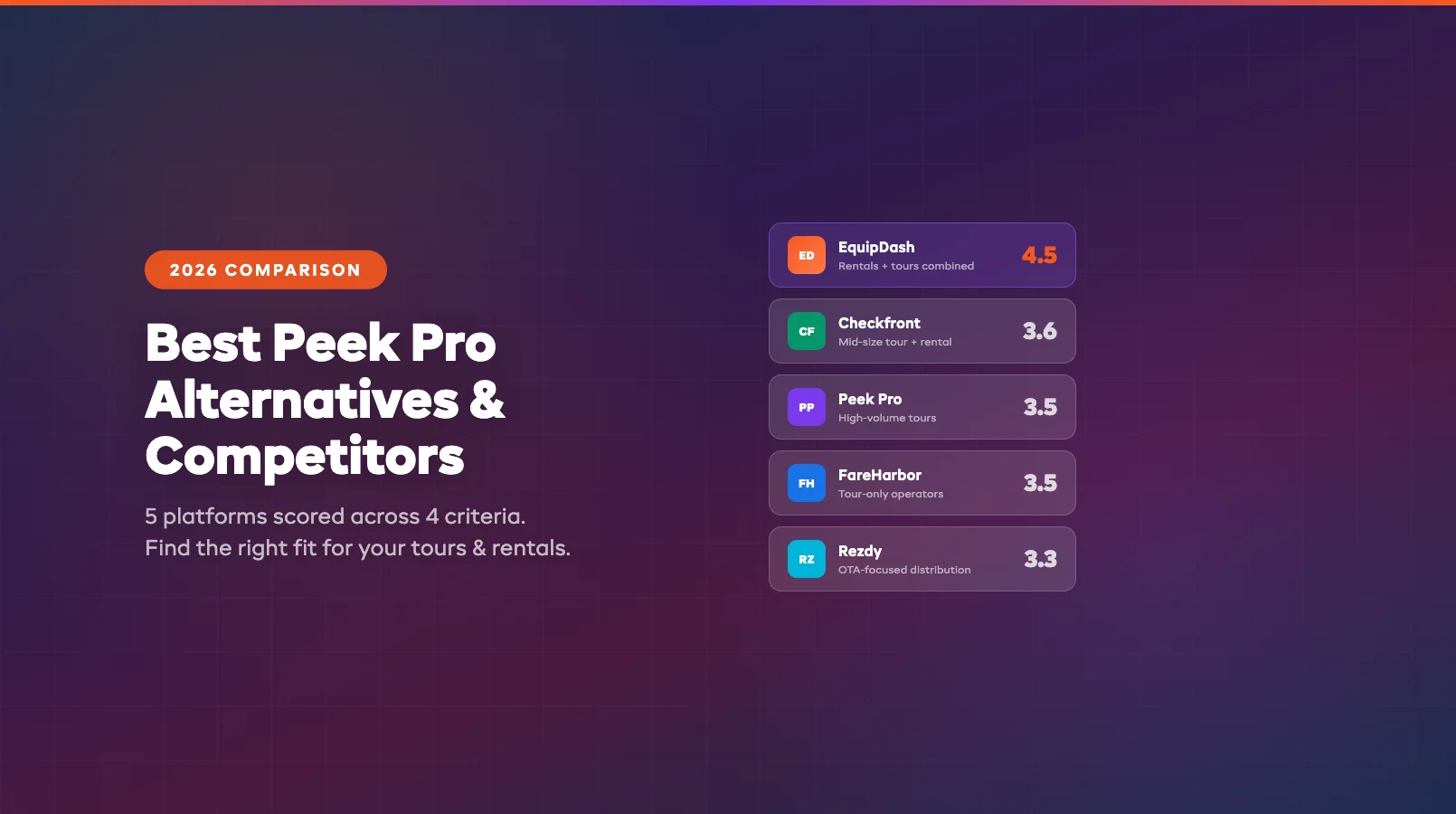
Best Peek Pro Alternatives & Competitors (2026)
Prefer a direct head-to-head? See our EquipDash vs Peek Pro comparison. Already switching? Skip to the migration guide.
Peek Pro is one of the biggest names in tour and activity booking software. Strong OTA distribution, solid marketing tools, and a payment system that works well for high-volume tour operators. If you run guided tours, attractions, or experiences and want built-in channel management, Peek Pro covers a lot of ground.
But the platform has trade-offs that become harder to ignore as your business evolves — especially if you also rent equipment, need transparent pricing, or want AI automation. That's when operators start looking for Peek Pro alternatives.
This guide covers what Peek Pro does well, where it falls short, and the best alternatives worth evaluating in 2026. We scored every platform in our equipment rental software comparison using the same six criteria, so the rankings here are consistent and transparent. Also comparing other platforms? See our FareHarbor alternatives, TripWorks alternatives, and Xola alternatives guides.
In this guide:
- What Peek Pro Does Well
- Where Peek Pro Falls Short
- Top Peek Pro Alternatives Compared
- Alternative-by-Alternative Reviews
- Making the Switch
- FAQ
What Peek Pro Does Well
Before looking at alternatives, it's worth understanding why Peek Pro works for the businesses it serves. If your operation fits neatly into its strengths, switching might not be necessary.
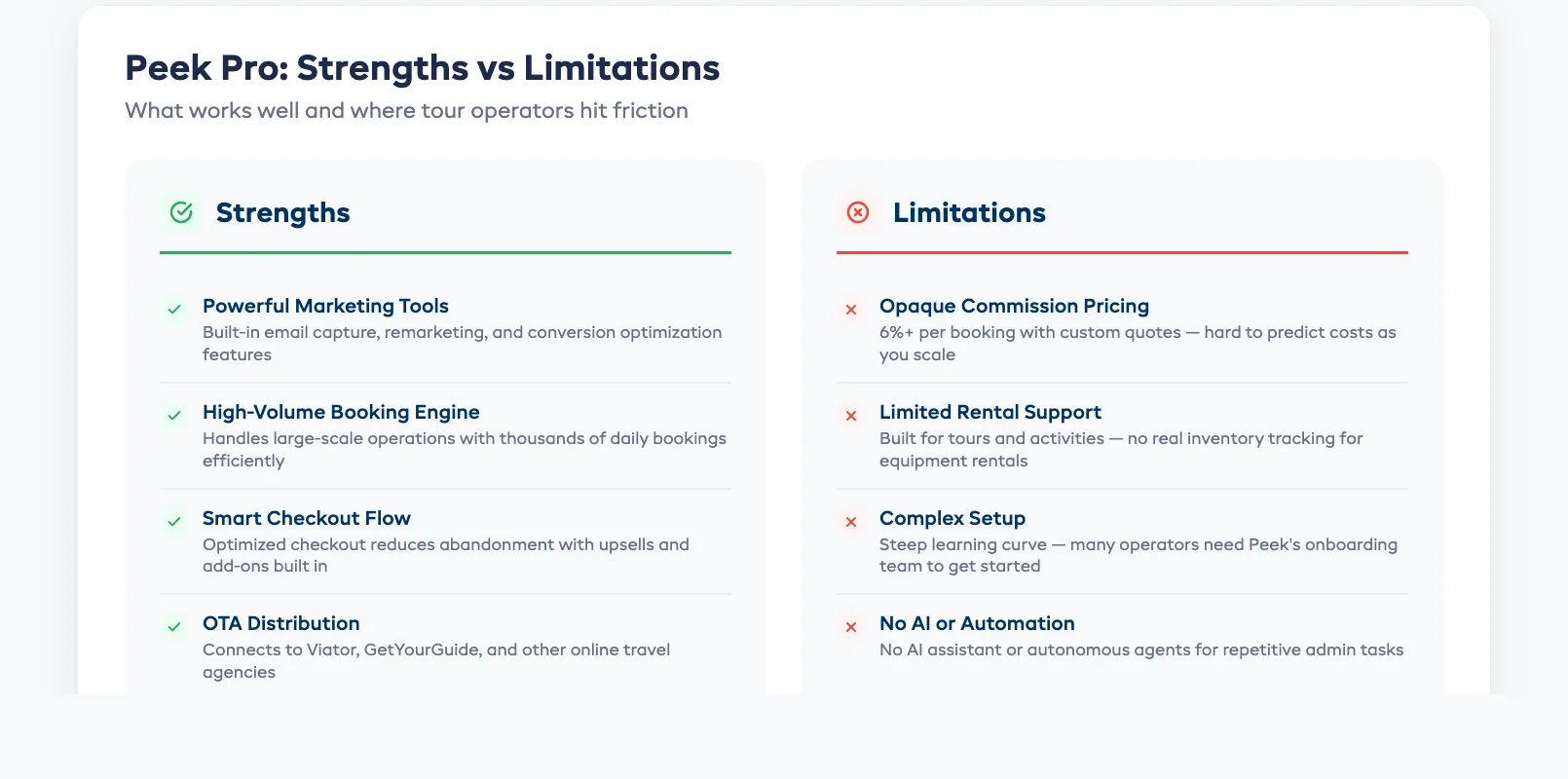
Extensive OTA distribution. Peek Pro connects directly to Viator, GetYourGuide, TripAdvisor, and other online travel agencies. For tour operators who rely on OTA traffic, this channel management is a genuine advantage — bookings flow in from multiple marketplaces into one system.
Built-in marketing tools. Peek Pro includes abandoned cart recovery, email marketing, and upsell prompts during checkout. These features help convert more website visitors into paying guests without third-party marketing software.
Payment processing (Peek Pro Pay). The integrated payment system handles online and in-person transactions. Operators get one payout system instead of juggling Stripe, Square, and a separate booking tool.
Strong for high-volume tours. If you run dozens of departures per day — walking tours, food tours, attraction tickets — Peek Pro handles the volume and scheduling well. The calendar view and capacity management work as expected for busy operations.
Where Peek Pro Falls Short
The gaps become noticeable when your operation needs more than tour-only booking. Here's where operators typically hit friction.
Complex, opaque pricing. Peek Pro's pricing model is commission-based, and the exact rates aren't published on their website. Operators report paying 3–6% per booking depending on volume and negotiation. At scale, this adds up fast — and the lack of transparency makes it hard to budget accurately.
Limited equipment rental support. If you rent bikes, kayaks, ski gear, or camping equipment alongside tours, Peek Pro wasn't built for that. There's no native inventory tracking for rental assets, no maintenance scheduling, and no availability-by-item management. You'll need a separate system for rentals.
No AI assistant or automation. Peek Pro doesn't include an AI assistant or autonomous agents. Common tasks — answering customer questions, generating revenue reports, following up on unsigned waivers, predicting demand — are all manual. As booking volume grows, this lack of automation compounds into hours of admin work per week.
OTA dependency risk. While OTA distribution is a strength, heavy reliance on Peek Pro's channel management can make it difficult to leave. Your OTA listings are tied to the platform, which creates switching costs that grow over time.
Walled ecosystem. Peek Pro encourages operators to use Peek Pro Pay, Peek Pro marketing, and Peek Pro's booking widget as a bundle. This works well inside the ecosystem, but integrating with external tools (your own CRM, a different payment processor, or custom reporting) can be limited.
Top Peek Pro Alternatives Compared
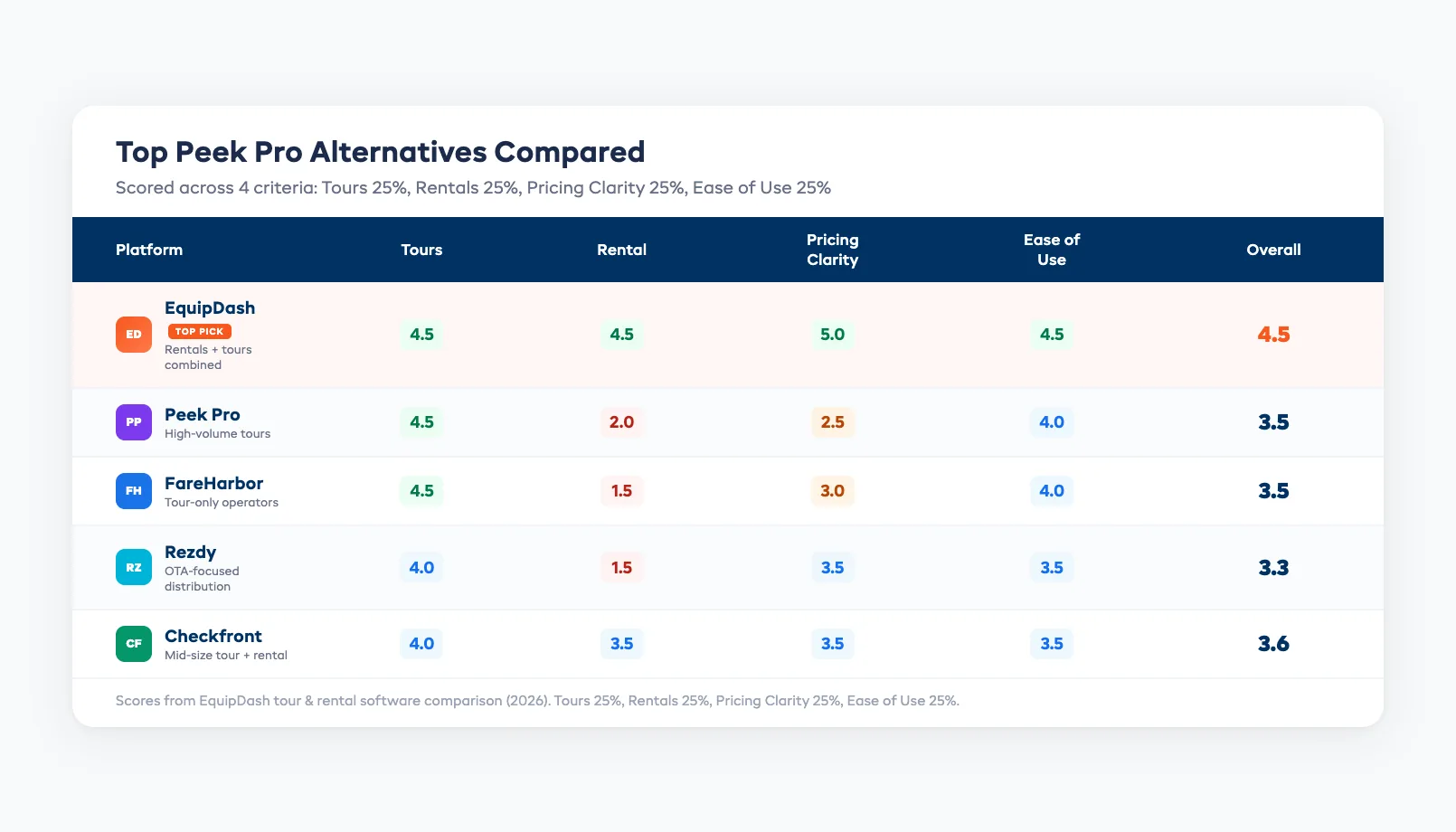
We evaluated each platform using the same six weighted criteria from our equipment rental software comparison: core rental features (25%), tour support (15%), ease of use (20%), pricing transparency (15%), integrations (10%), and customer support (15%).
| Platform | Best for | Tours | Rental | Pricing clarity | Ease of use | Overall |
|---|---|---|---|---|---|---|
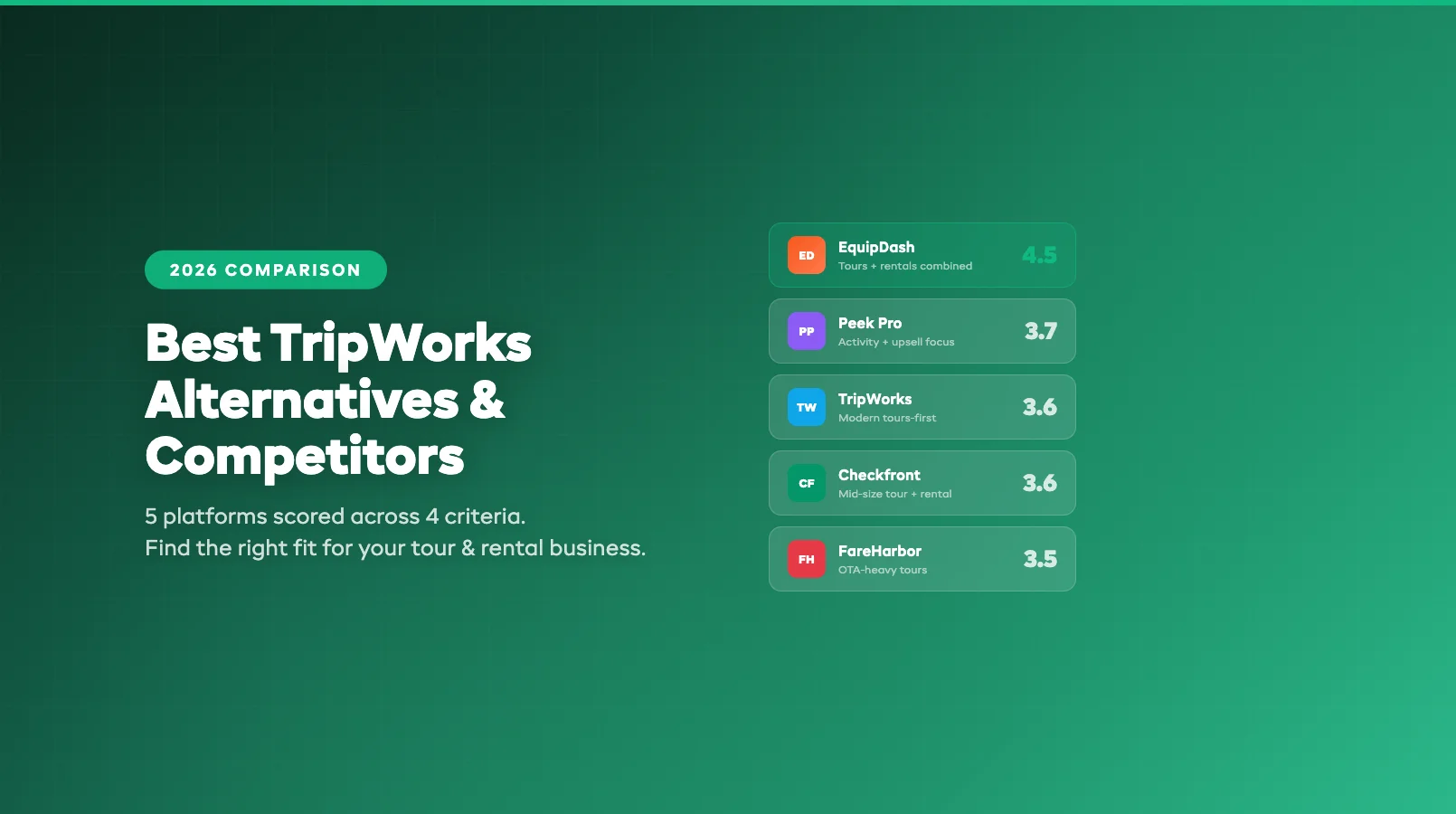
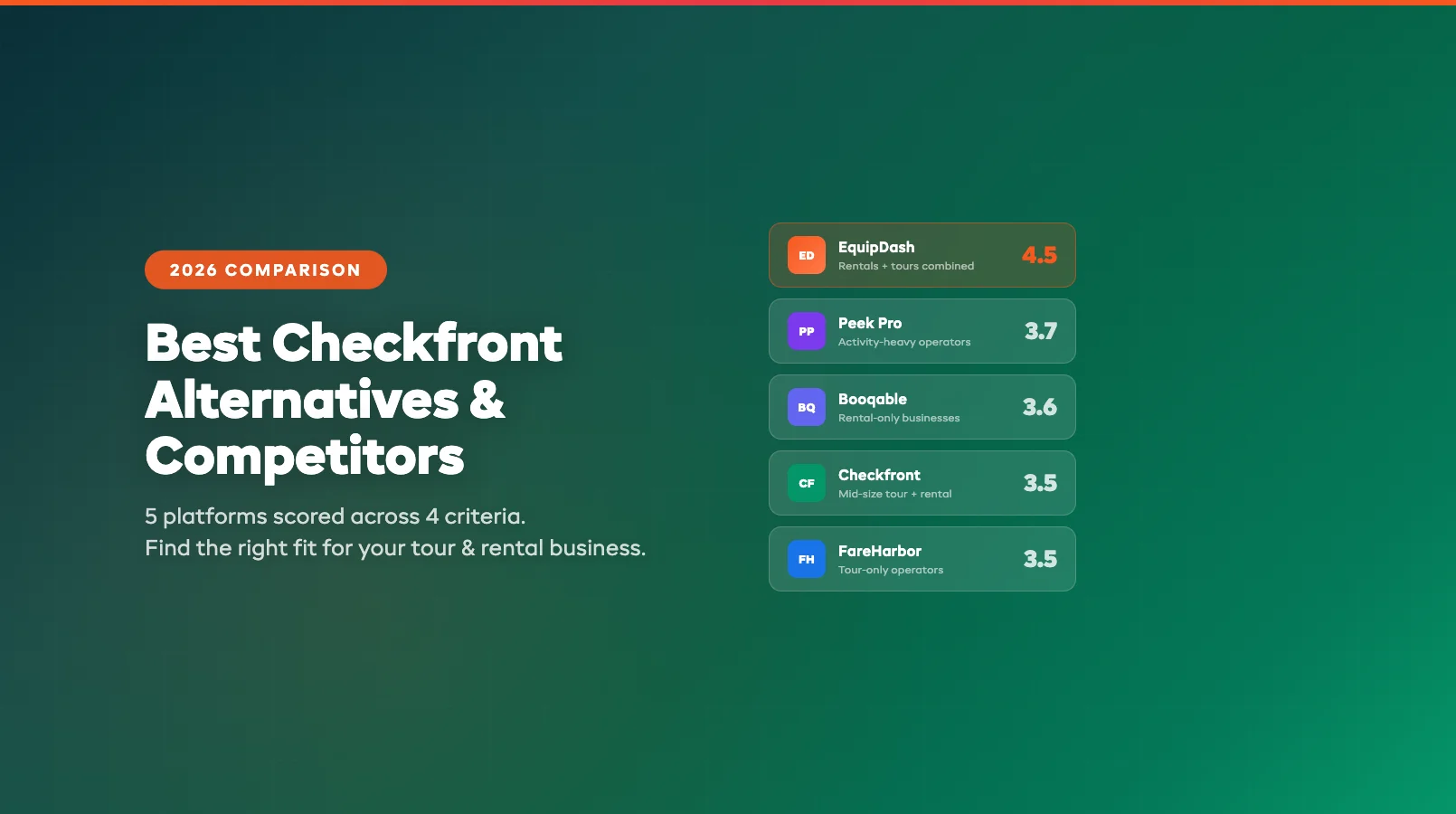
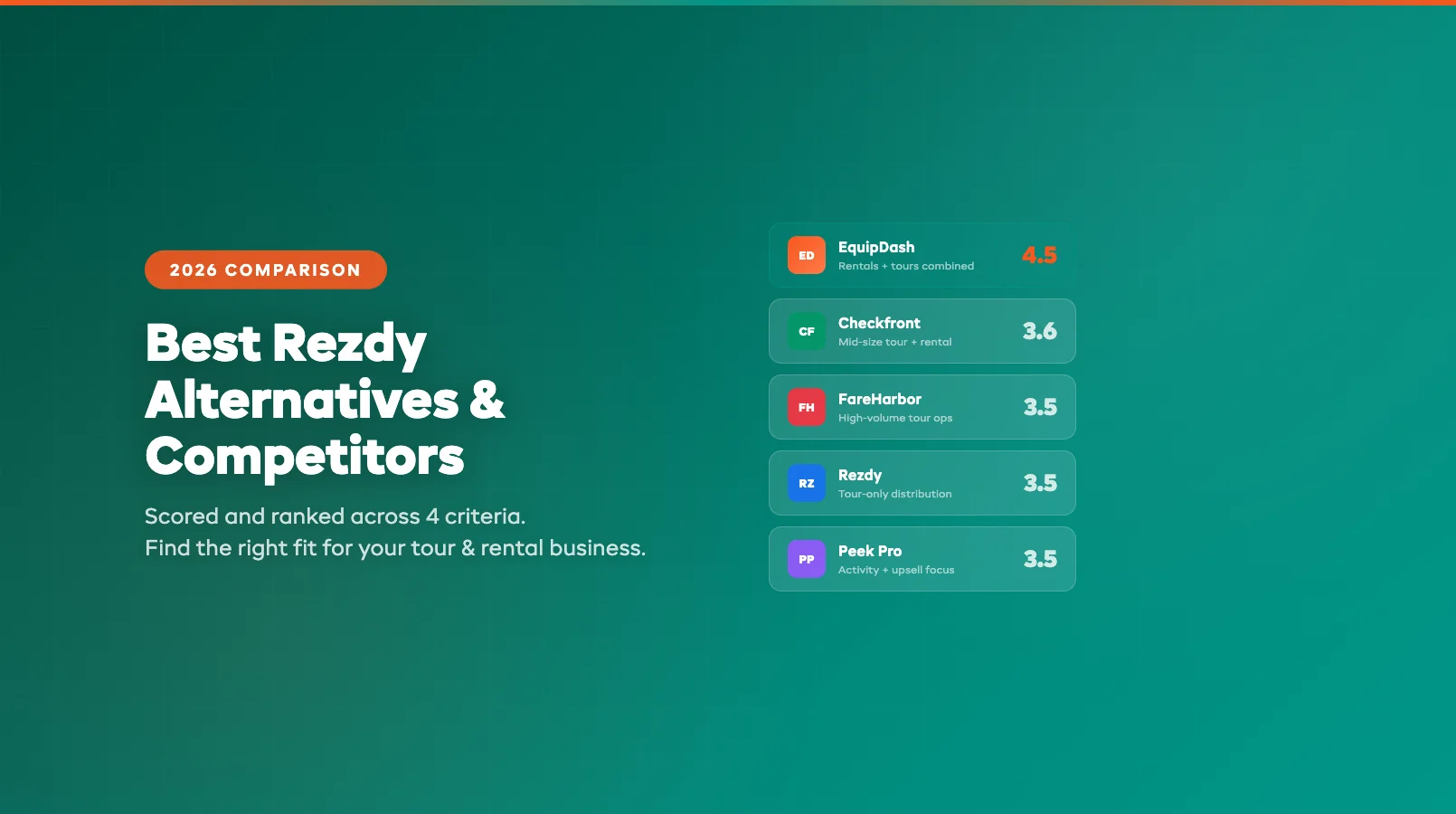
| EquipDash | Rentals + tours combined | 4.5 | 4.5 | 5.0 | 4.5 | 4.5 |
| Peek Pro | High-volume tours | 4.5 | 2.0 | 2.5 | 4.0 | 3.5 |
| FareHarbor | Tour-only operators | 4.5 | 1.5 | 3.0 | 4.0 | 3.5 |
| Rezdy | OTA-focused distribution | 4.0 | 1.5 | 3.5 | 3.5 | 3.3 |
| Checkfront | Mid-size tour + rental | 4.0 | 3.5 | 3.5 | 3.5 | 3.6 |
Key takeaway: Peek Pro leads for high-volume, tour-only operations with heavy OTA distribution. But if you also rent equipment, want transparent pricing, or need AI automation, alternatives like EquipDash offer more for less.
Alternative-by-Alternative Reviews
EquipDash — Best for Operators Who Rent and Tour
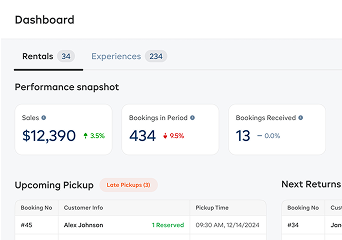
EquipDash is built for operators who rent equipment and run tours or experiences from the same business. Instead of bolting together separate tools for rentals, bookings, tours, waivers, and payments, you get one dashboard that handles everything.
The built-in AI assistant (Dash AI) is the biggest differentiator. Ask it to check availability, look up a customer's booking history, or generate a revenue report — no manual digging. Dash Agents run tasks autonomously: sending waiver reminders, following up on late returns, and alerting you when stock runs low.
Where it beats Peek Pro:
- Handles both equipment rentals and tours natively — no separate system needed
- Built-in AI assistant and autonomous agents for automation
- Flat-rate pricing starting at $23/mo (annual) — no commission-based surprises
- Native POS for walk-in customers
- Full inventory tracking with maintenance scheduling
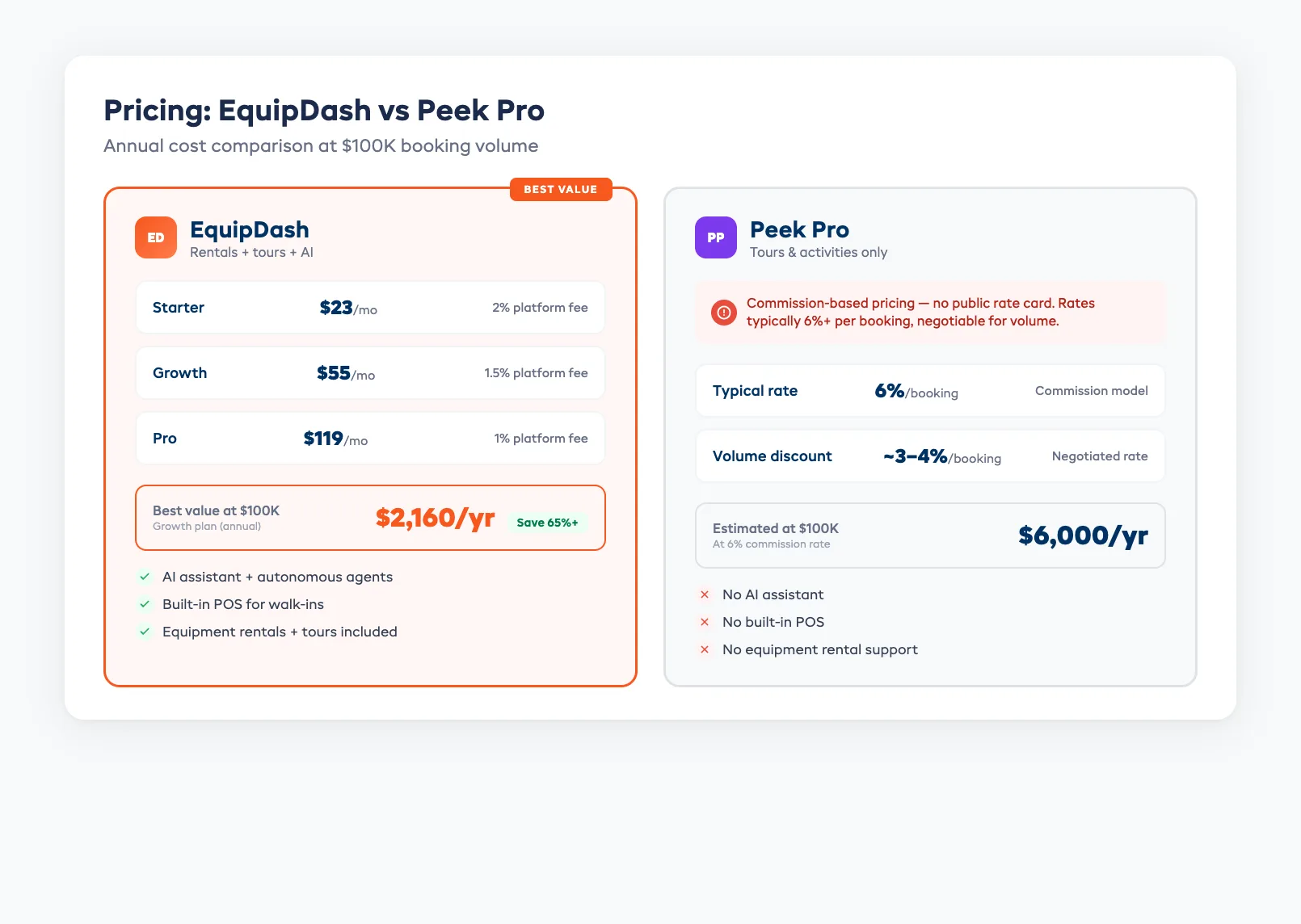
Pricing: Starter $23/mo, Growth $55/mo, Pro $119/mo (annual billing). Platform fee: 2% / 1.5% / 1%. At $100K annual booking volume, total cost ranges from $2,160 to $2,428/yr depending on plan. Compare that to a 3–6% commission on $100K with Peek Pro ($3,000–$6,000/yr).
Best fit: Operators who rent gear and run experiences, or who want AI automation and transparent pricing without the OTA lock-in.
For more on how alternatives compare, see our Booqable alternatives review if you're evaluating rental-focused platforms, our Rezdy alternatives guide if you're comparing tour distribution platforms, or our FareHarbor alternatives guide for tour-first operators.
FareHarbor — Best for Tour-Only Operators
FareHarbor is Peek Pro's closest direct competitor. Owned by Booking.com, FareHarbor focuses on tours, activities, and attractions with strong distribution through its parent company's network.
Where it beats Peek Pro:
- Booking.com distribution gives access to a massive travel audience
- Generally faster onboarding and setup
- Free website building tools included
- Strong customer support reputation
Where it falls short:
- Also commission-based pricing (rates vary by operator)
- No equipment rental features
- No AI assistant or autonomous agents
- Owned by Booking.com — some operators worry about data use and platform dependency
Best fit: Tour-only operators who want strong OTA distribution and don't need rental management.
Rezdy — Best for OTA-Focused Distribution
Rezdy specialises in connecting tour operators with online travel agencies. Its marketplace and channel manager push your experiences to dozens of resellers and OTAs simultaneously.
Where it beats Peek Pro:
- Wider OTA and reseller marketplace
- Better suited for operators who sell through agents and wholesalers
- More transparent pricing tiers (published on website)
- Strong API for custom integrations
Where it falls short:
- Interface feels less polished than Peek Pro
- Limited walk-in and POS workflow
- No equipment rental support
- No AI automation features
Best fit: Tour operators whose revenue primarily comes through OTAs and reseller channels.
Checkfront — Best for Mid-Size Tour and Rental Operations
Checkfront sits between tour-only and rental-only platforms. It handles bookings for both experiences and equipment, with decent channel distribution and flexible pricing rules.
Where it beats Peek Pro:
- Supports both tours and equipment rentals
- More flexible pricing structures (daily, hourly, per-person)
- Published pricing tiers
- OTA channel distribution included
Where it falls short:
- Interface feels dated
- Steeper learning curve than Peek Pro
- No AI assistant or agents
- Rental inventory features are basic compared to dedicated platforms
Best fit: Mid-size operators (10–50 employees) who run both tours and rentals and want one platform without paying commissions.
Making the Switch
Switching from Peek Pro mid-season sounds risky, but it doesn't have to be. Here's a straightforward migration path:
1. Audit your OTA connections. Before anything else, document every OTA and reseller channel connected through Peek Pro. Some listings may need to be recreated on the new platform.
2. Export your data. Download customer records, booking history, and product listings. Most platforms accept CSV imports for products and customers.
3. Set up the new platform in parallel. Don't cancel Peek Pro on day one. Configure your new platform alongside it — import your catalogue, set pricing, test the booking flow with internal orders.
4. Reconnect OTA channels. If you distribute through Viator, GetYourGuide, or others, set up those connections on your new platform. Most major alternatives support the same OTAs directly.
5. Switch your booking widget and go live. Once everything is tested, swap the booking widget on your website and point your OTA listings to the new system. Keep Peek Pro active (read-only) for one week to reference historical data.
Timeline: Most operators complete the full migration in 7–10 business days, with minimal downtime for customers.
Frequently Asked Questions
What are the biggest Peek Pro limitations for small operators? Pricing complexity is the top issue. Commission-based rates mean your costs scale directly with revenue, and exact rates aren't published. Small operators also find that Peek Pro's feature set is built for high-volume tour companies — the tools and interface can feel like overkill for a 5-person kayak rental shop.
Which Peek Pro alternatives offer simpler pricing? EquipDash offers flat-rate monthly pricing starting at $23/mo (annual) with published platform fees. Checkfront and Rezdy also publish their pricing tiers. The key difference: flat-rate pricing means your costs don't scale linearly with your booking volume.
Can alternatives match Peek Pro's marketing tools? Peek Pro's built-in abandoned cart recovery and email marketing are strong. Most alternatives handle these through integrations (Mailchimp, Klaviyo) rather than natively. EquipDash takes a different approach — Dash Agents can automate follow-ups, reminders, and post-trip review requests without third-party marketing tools.
Is it hard to switch from Peek Pro to another platform? The biggest concern is OTA channel migration. If your Viator or GetYourGuide listings are managed through Peek Pro, you'll need to reconnect them on the new platform. The actual data migration (customers, products, bookings) typically takes 7–10 business days. Running both systems in parallel for a week eliminates most risk.
in one place